Why customers share one receivable account
A receivable account is the ledger account that holds the amounts that customers owe you, for example "Debtors". ERPNext posts every customer to the company's Default Receivable Account unless you set a different account for that customer or its Customer Group. Many customers share one account, and ERPNext still keeps each customer's balance separate.
You do not need one ledger account for each customer. The Chart of Accounts stays short, and the receivable account works as a control account: its balance is the total that all customers owe.
How ERPNext keeps balances separate
Each General Ledger entry on a receivable account stores three things: the account, the party (the customer), and the voucher (the invoice or credit note). Reports such as Accounts Receivable group the entries by party and by voucher.
| Level | What it gives you |
|---|---|
| Receivable account | The total that all customers owe, in the Chart of Accounts |
| Customer (party) | The balance of one customer |
| Voucher reference | The outstanding amount of one invoice or credit note |
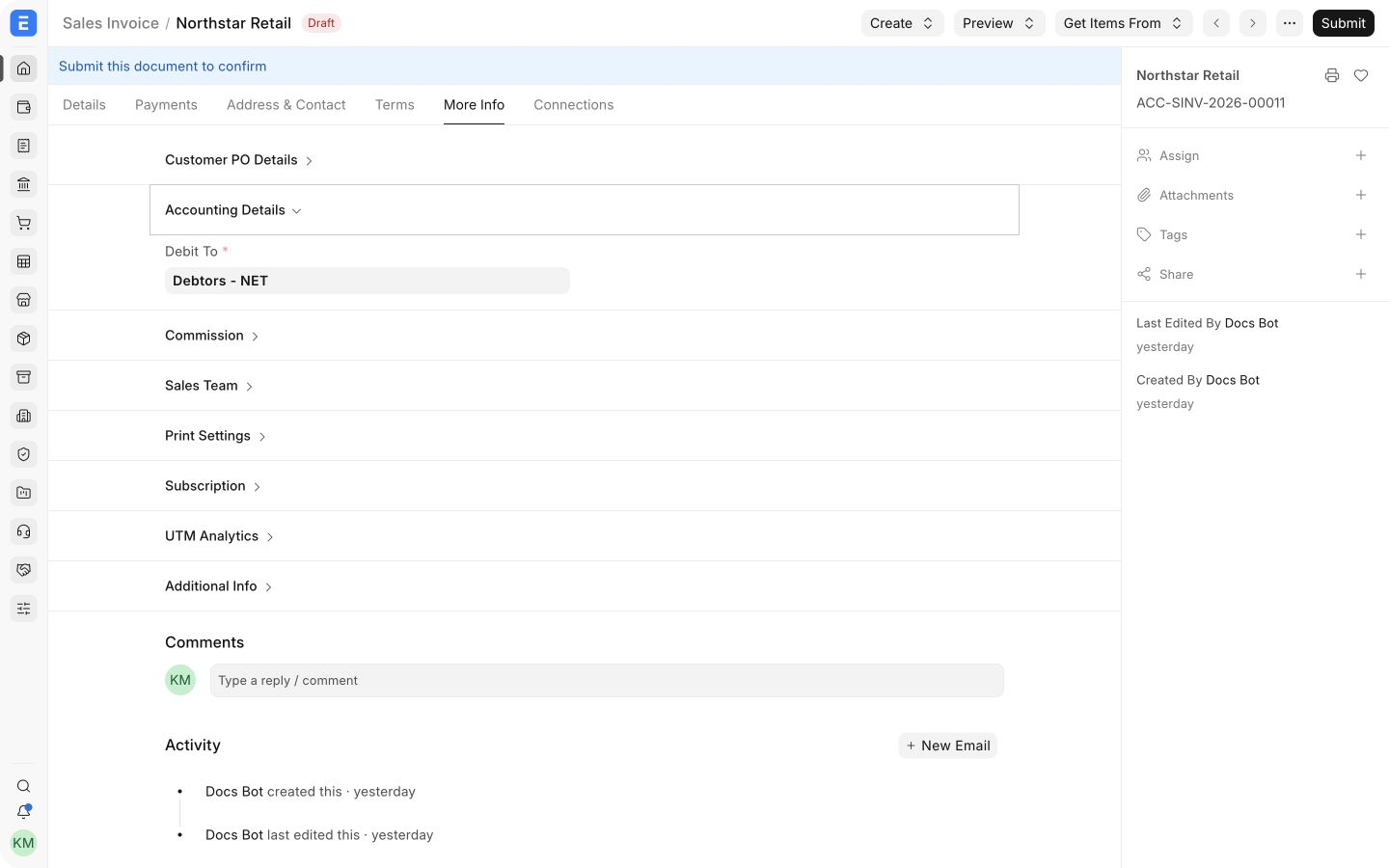
On a Sales Invoice, the Debit To field shows the receivable account that the invoice uses.
How ERPNext chooses the account
- If the customer's Default Accounts table has a row for the company, ERPNext uses that account.
- If not, and the customer's Customer Group has a row for the company in its Default Accounts table, ERPNext uses that account.
- If neither has one, ERPNext uses the Default Receivable Account of the company.
A receivable account must be a ledger (non-group) account with Account Type set to Receivable, and it must belong to the same company.
Add a customer-specific account only when you must report that customer's balance in its own account, for example a related company or a customer billed in another currency. Learn how to set the default receivable and payable accounts.
To check the setup, create a test Sales Invoice for the customer and look at Debit To.
Common problems
The customer posts to the wrong receivable account
Check the customer's Default Accounts table first, then the Customer Group's Default Accounts table, then the company's Default Receivable Account.
The Accounts Receivable report does not match the account balance
Compare the same company, date, currency, and account in both reports. Look for Journal Entries that post to the receivable account without a party or without a voucher reference.
You cannot select a receivable account
Check that the account is a ledger account, belongs to the same company, and has Account Type set to Receivable.