Create BOMs for item variants
If you make an item in variants, for example a T-shirt in several sizes, you do not need a BOM for each variant. Create one BOM for the template item. Learn about item variants.
Use a template BOM
- Create a BOM with the template item as Item to Manufacture. You can also add template items as components.
- Submit the BOM and set it as default.
- Create a Work Order for a variant. ERPNext uses the template BOM.
- If a component is a template item, ERPNext asks you to select its variant.
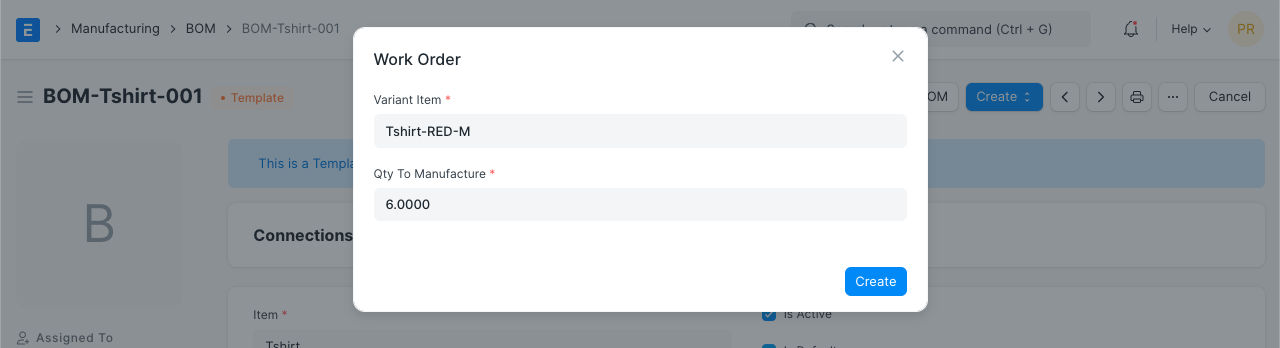
Create a variant BOM from the template BOM
- Open the submitted template BOM.
- Select Create > Variant BOM.
- Select the variant item for the new BOM.
- If a component is a template item, select its variant.
ERPNext creates a BOM for the variant with the components of the template BOM.