Group machines with workstation types
A workstation type groups machines of the same kind, for example all molding machines. Use it when you have several identical machines and you do not care which one runs a job.
A workstation type does two things:
- It holds one hourly operating cost for all its machines.
- It lets ERPNext pick a free machine of that type for each Job Card.
Create a workstation type
- Open the Workstation Type list and select New.
- Enter the Workstation Type name, for example "Molding".
- In Operating Components Cost, add the hourly cost components. ERPNext adds them up in Net Hour Rate.
- Save the workstation type.
Use the workstation type
- Open each workstation of this kind and select the type in Workstation Type.
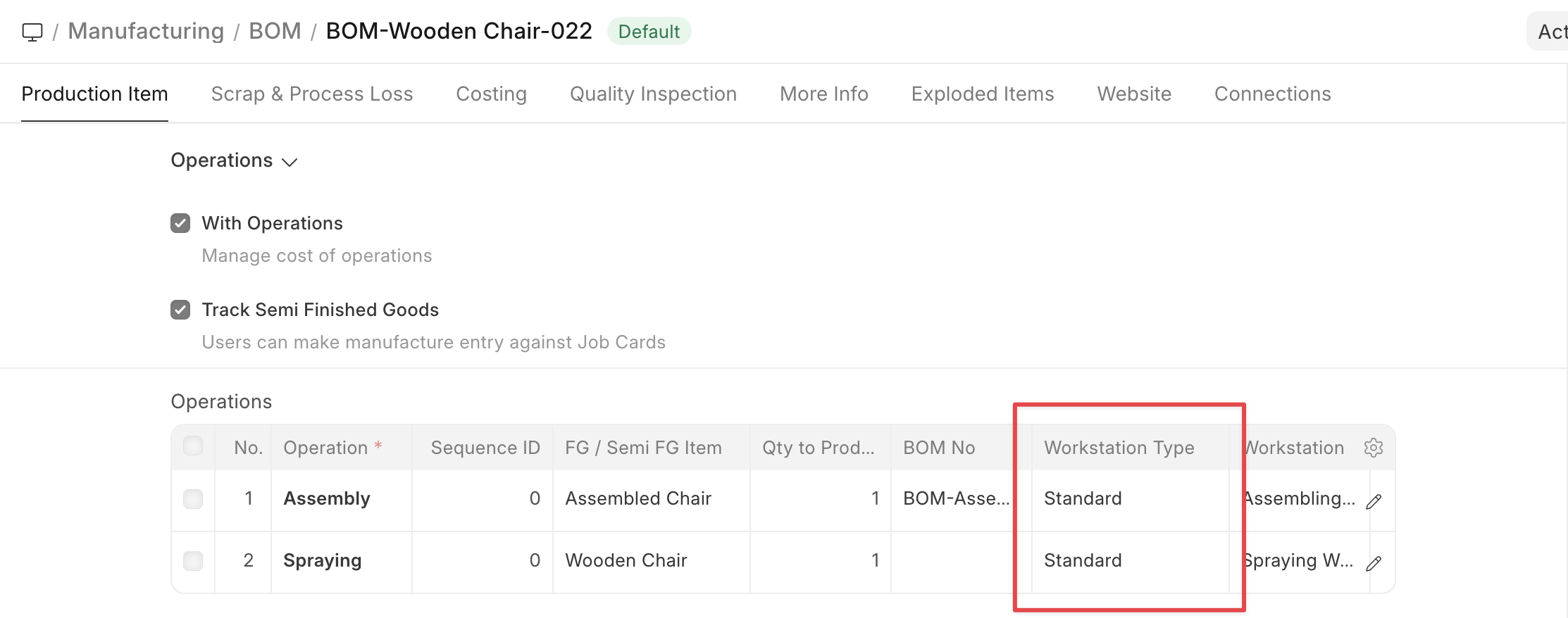
- In the Operations table of the BOM or routing, select the Workstation Type for the operation.
When you submit a Work Order, ERPNext creates the Job Cards and sets a free workstation of that type on each Job Card.