Why negative stock creates stock adjustment entries
When Allow negative stock is selected in Stock Settings, you can deliver an item before you have it in stock. The stock quantity goes below zero. When you later receive the item, ERPNext often books a difference in value to the Stock Adjustment Account or cost of goods sold. This page explains why, and how to avoid it.
How the difference appears
Take an item with no stock.
- You submit a Delivery Note for 1 unit. ERPNext has no incoming rate for the item, so it asks for a valuation rate. You set Valuation Rate to 100 in the item. The Delivery Note books 100 out of stock, and the stock quantity is -1.
- Later, you submit a Purchase Receipt for 1 unit at 300, dated after the Delivery Note. The stock quantity returns to 0.
If ERPNext valued the receipt at 300, the stock quantity would be 0 but the stock value would be 300 - 100 = 200. Stock with no quantity cannot have a value. So ERPNext values the incoming unit at the rate of the outgoing one, 100, and books the difference of 200 to the Stock Adjustment Account (or the cost of goods sold account).
How to avoid the adjustment
Use one of these approaches:
- Do not allow negative stock. Clear Allow negative stock in Stock Settings. Receive stock before you deliver it.
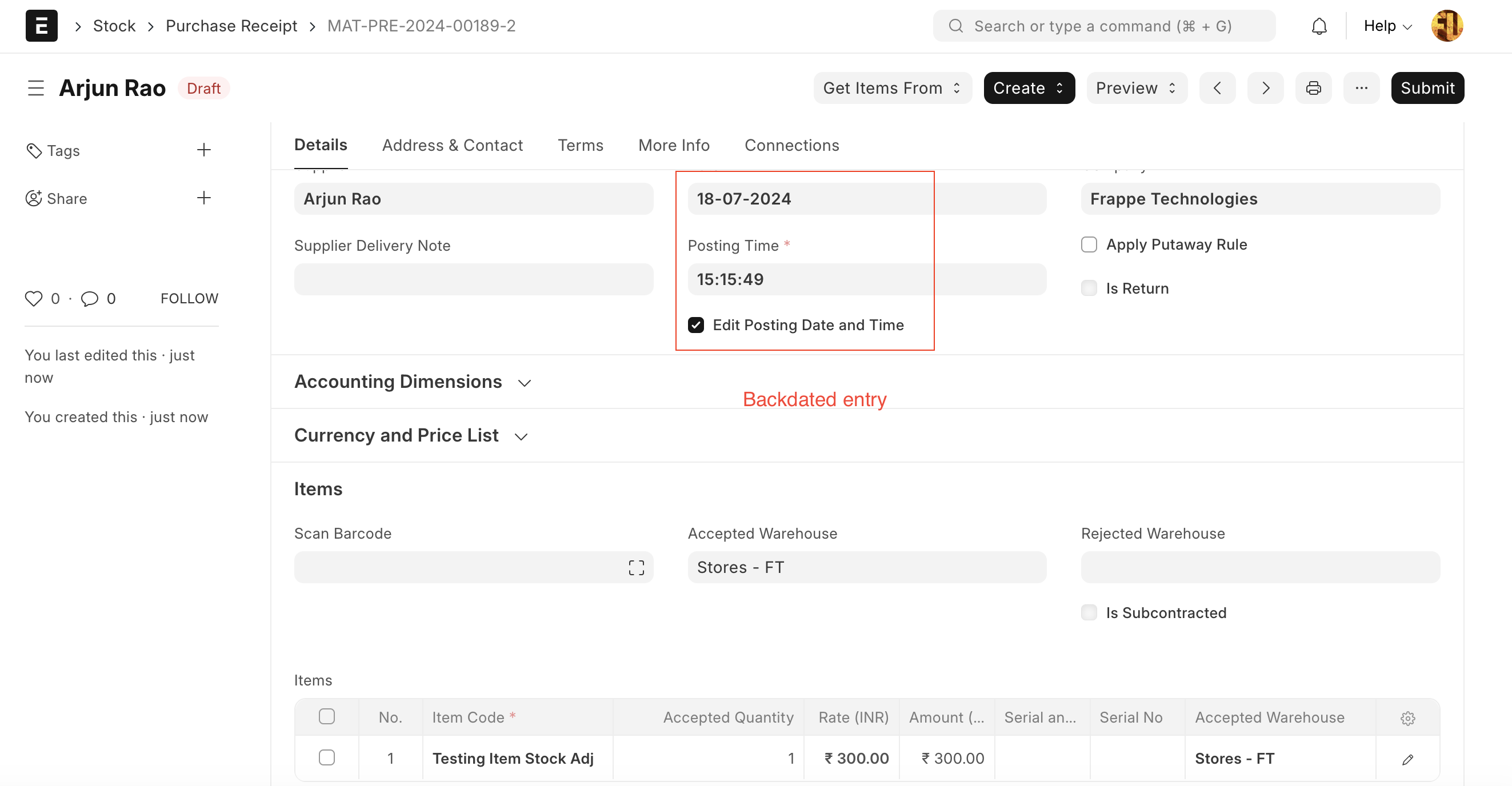
- Back-date the receipt. Give the Purchase Receipt a posting date and time before the Delivery Note. When you submit it, ERPNext reposts the later entries. The Delivery Note is valued again at 300, and no adjustment is needed.