Website Settings
Website Settings holds the settings that apply to the whole website. Open Website Settings from the search bar. To see the result, select View Website.
INFO
Website Settings is part of the Frappe Framework.
Home
| Field | Use |
|---|---|
| Home Page | The route of the page that opens at the root of your site, for example about or the route of a Web Page. See Set the website home page |
| Title Prefix | Text added to the browser title of every page, for example your company name |
| Website Theme | The website theme of the site |
Brand and navbar
| Field | Use |
|---|---|
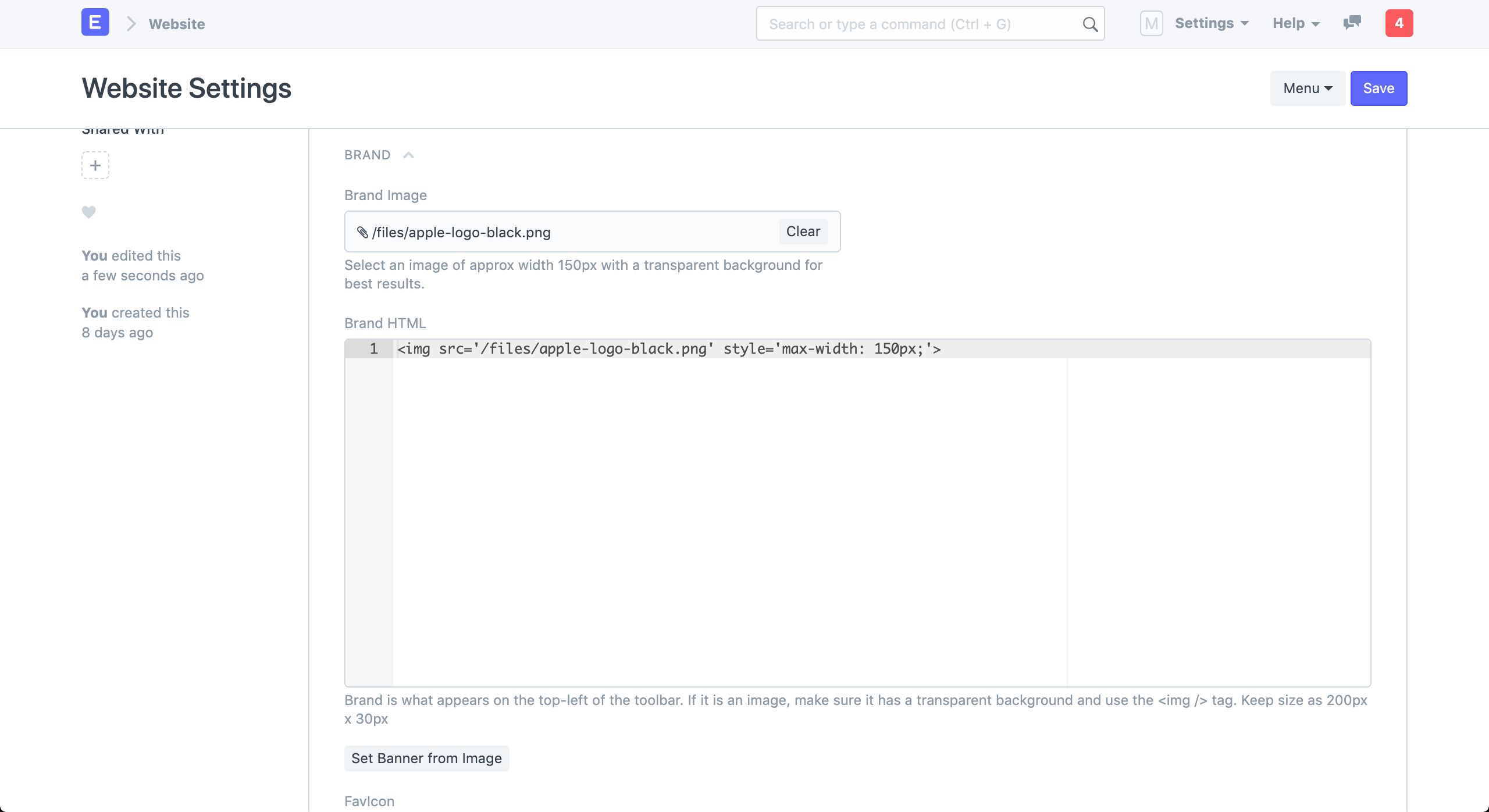
| Brand Image | Your logo. Upload it, then select Set Banner from Image to generate the Brand HTML |
| Brand HTML | The HTML of the brand in the top bar. Edit it to resize the logo, for example with a width attribute on the img tag |
| Top Bar Items | The menu items of the top bar, with their labels and URLs. A row with a parent label becomes a drop-down item |
| Include Search in Top Bar | Shows a search box in the top bar |
| Show Language Picker | Lets visitors change the language |
| Hide Login | Hides the login link in the top bar |
| Call To Action, Call To Action URL | A button in the top bar, for example "Book a demo" |
| Navbar Template | A web template that replaces the standard top bar |
Banner
Banner HTML adds a banner above the top bar on every page. You can use any Bootstrap markup.
Footer
| Field | Use |
|---|---|
| Address | The address shown in the footer |
| Copyright | The copyright text |
| Footer Items | The footer links, grouped by a parent label |
| Footer "Powered By" | The "powered by" text in the footer |
| Footer Logo | A logo for the footer |
| Hide footer signup | Hides the newsletter sign-up box in the footer |
| Footer Template | A web template that replaces the standard footer |
Login page
| Field | Use |
|---|---|
| FavIcon | The small icon in the browser tab |
| Disable signups | Removes the sign-up option from the login page. See Manage website sign-up and login |
Integrations
| Field | Use |
|---|---|
| Google Analytics ID | Your Google Analytics ID |
| Google Analytics anonymise IP | Tells Google Analytics to anonymize the IP address of visitors before Google stores it |
| Enable in-app website tracking | Records page views in ERPNext |
| Enable Google indexing | Asks Google to index a web page or blog post when you create, update, or delete it. Needs OAuth credentials in Google Settings and the Indexing API. After you enable it, select Authorize API Indexing Access |
Header, robots, and redirects
| Field | Use |
|---|---|
<head> HTML | HTML added to the head of every page, for example a site verification meta tag |
| Robots.txt | The rules for web crawlers. Learn more at Moz: robots.txt |
| Route Redirects | Redirects from old routes to new routes. See Redirect old URLs |
Account deletion
| Field | Use |
|---|---|
| Show account deletion link in My Account page | Lets website users request the deletion of their account |
| Automatically delete account within (hours) | The time after which ERPNext deletes the account |
INFO
Earlier versions had a website chat section in Website Settings. Version 16 does not have it.