Add meta tags for search engines
Meta tags are hidden tags in the head of a page. They describe the page to search engines and social networks, and they help SEO (search engine optimization: getting more visitors from unpaid search results). Website Route Meta adds meta tags to any route of your website, such as a web page, a blog post, or a webshop page.
TIP
A Web Page and a Blog Post also have their own meta title, description, and image fields. Use Website Route Meta for other tags, or for routes that have no such fields.
Add meta tags to a route
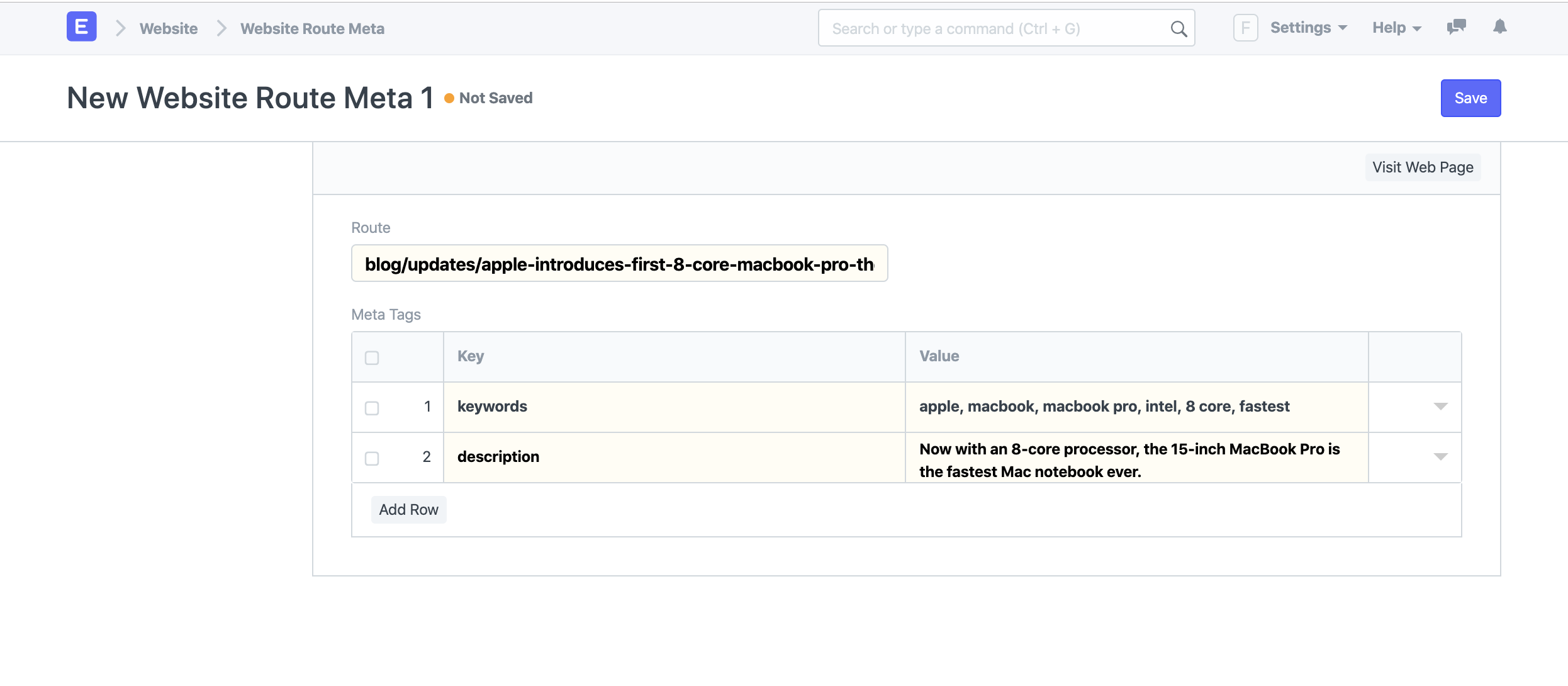
- Open the Website Route Meta list and create a new Website Route Meta.
- Enter the route of the page as the name, for example
aboutorprivacy. ERPNext removes a leading slash (/). - In the Meta Tags table, add a row for each tag. Enter the Key and the Value. For example, to add keywords, enter
keywordsas the key and the keywords, separated by commas, as the value. - Save.
To check the result, open the page and view its source. ERPNext adds a tag such as <meta name="keywords" content="erpnext, open source"> to the head.