Manage website sign-up and login
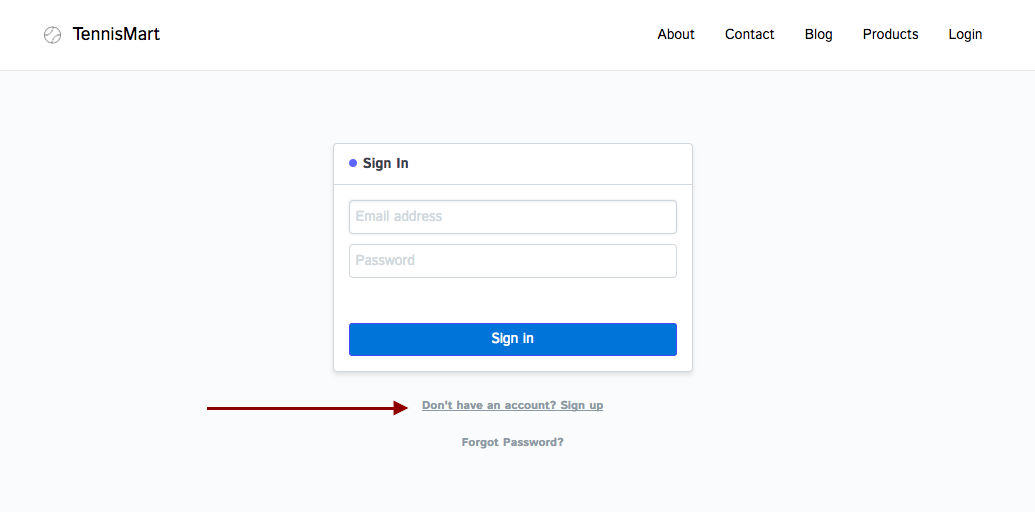
Customers and suppliers sign in to your website to use the portal. There they can see their orders, invoices, and other documents, and place new orders. By default, anyone can create an account from the login page.
Disable sign-up
Do this if only the people that you invite may have an account.
- Open Website Settings.
- Select Disable signups.
- Save.
The login page no longer shows the sign-up link. You create the users yourself.
Set the role of new website users
- Open Portal Settings.
- In Default Role at Time of Signup, select the role that new users get, for example Customer.
- Save.
In Portal Settings, you can also choose the menu items of the portal and the role that each item needs.
How a customer signs in
The customer signs in on the login page with their email address and password. The password comes from the sign-up, or from the welcome email that ERPNext sends when you create the user.