Generate the VAT Audit Report for South Africa
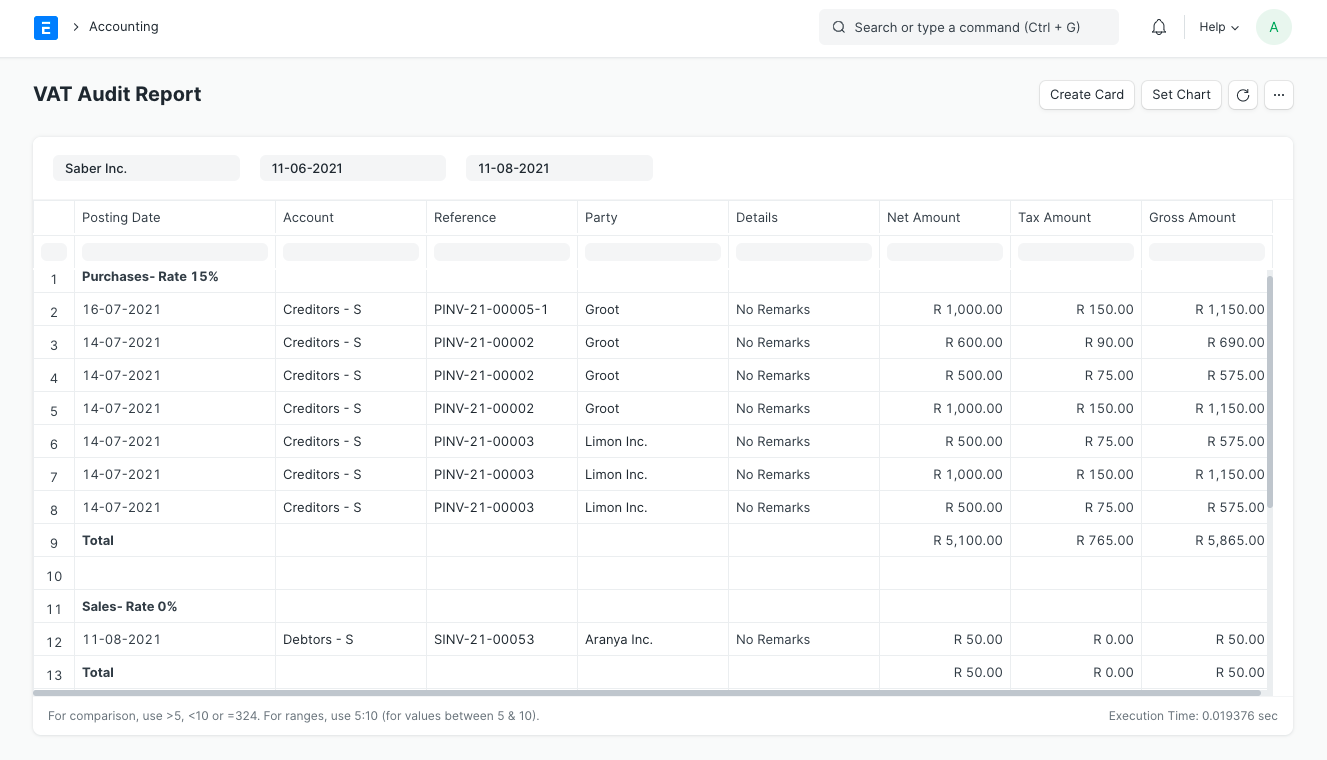
The VAT Audit Report shows the amounts of each item on the Purchase Invoices and Sales Invoices of a period, for the VAT accounts that you select. It covers invoice data only.
Prerequisites
- Zero-rated items have Is Zero Rated selected on the Item.
- A South Africa VAT Settings document for the company:
- Open the South Africa VAT Settings list, and create one for your Company.
- Add every VAT account to the VAT Accounts table.
- Save.
Run the report
- Open the VAT Audit Report.
- Select the company and the period.